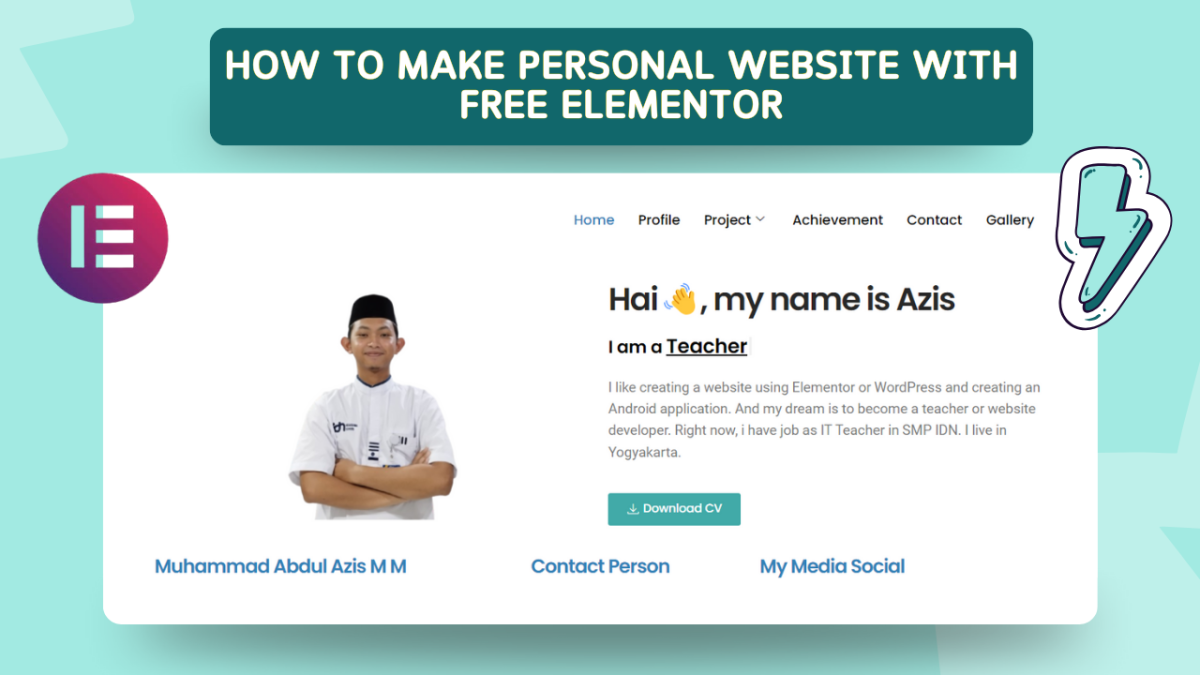
A personal website is your very own digital space where you can showcase your skills, projects, achievements, and personality. Whether you’re a teacher or student, professional, or hobbyist, having a personal website helps you stand out and share your story with the world.
Hello friends, so this is an IT Tutorial project, where in this video I will give Scratch tutorials to all of you, starting from the basics, before that let me introduce what Scratch is, Scratch is a program to make a game, so in Scratch we only combine blocks to run a program, for other explanations you can see on my Youtube.
This project is part of the visual hierarchy and typography exercise, where grade 7B students are asked to design a poster with the theme “17 August Activities”, commemorating Indonesia’s Independence Day. Through this project, students learn how to arrange visual elements on a poster, so that the main message can be conveyed clearly and effectively.
Students are also taught about the importance of typography, font selection, text size, and how these elements work together to create an attractive and easy-to-understand design. Each student’s creativity is highly prioritized, with the freedom to choose colors, images, and other elements that reflect the spirit of Independence Day.
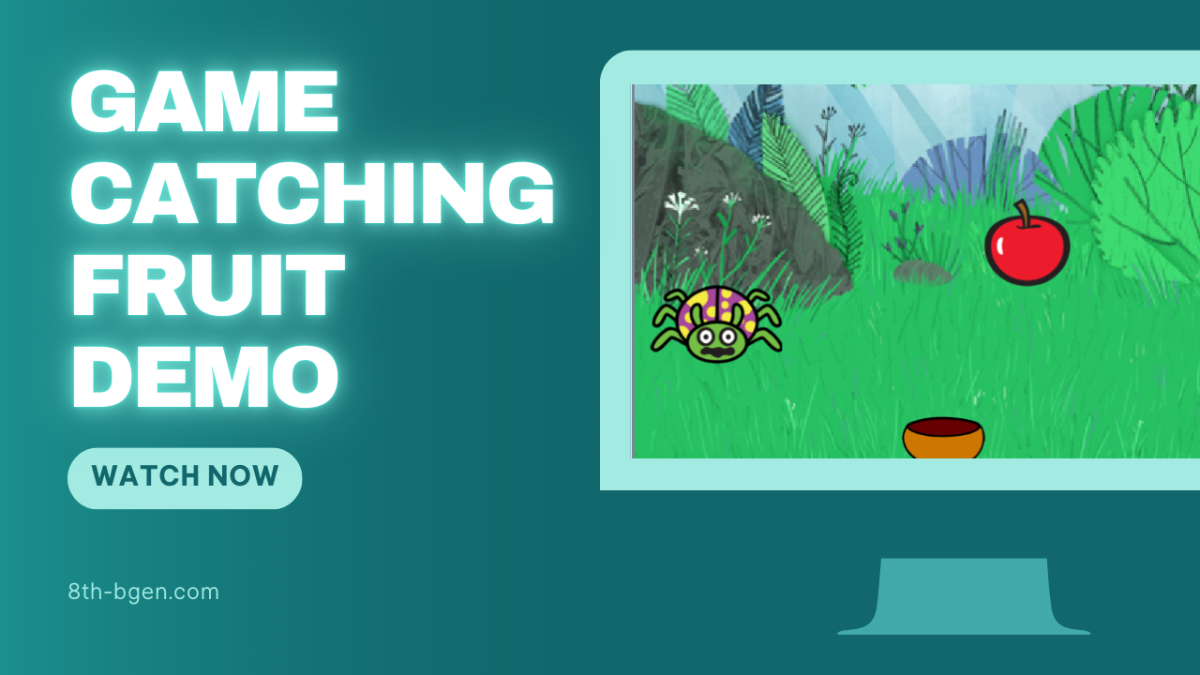
Hello guys, This is my first project in Scratch Games Making material to achieve the target. The name of this project is “Catching the Fruit”. The player must catch apples and avoid lady bugs by pressing left and right. If you catch an apple, your score will increase by “1”. However, if you catch a lady bug then the score will be reduced by “-1”. There is a score indicator in the game, if the indicator reaches a score of “5” then the game will display a “WIN” backdrop. However, if the indicator reaches “0” then the game will display a “LOSE” backdrop.